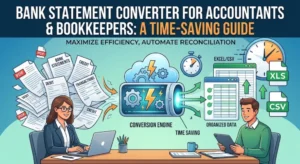
Accountants don’t struggle with analysis. They struggle with preparation.
Before reconciliation begins, before reports are built, before audits start, there’s always one step that slows everything down: converting bank statements into usable data.
Here’s the reality: most accounting workflows are still bottlenecked by manual data handling.
An accounting firm that processes multiple client accounts spends hours each week converting PDFs to Excel. Not because it’s complex, but because it’s repetitive. Over time, this adds up to lost productivity and increased risk.
This is where a bank statement conversion tool for accountants completely changes the workflow.
This blog post explains how automated conversion works, why it matters for accountants, and how it improves accuracy and efficiency.
What Is a Bank Statement Conversion Tool for Accountants?
A bank statement conversion tool for accountants converts PDF or scanned bank statements into structured formats like Excel or CSV.
It allows accountants to:
- Extract data from bank statements automatically
- Eliminate manual entry
- Standardize financial data
- Prepare records for reconciliation
The goal is to remove repetitive tasks and focus on analysis.
Why Accountants Need Automated Bank Statement Conversion
Manual processing creates several challenges:
- Time spent on data entry
- Risk of human error
- Inconsistent formatting
- Delays in reporting
As client volumes grow, these issues become harder to manage.
Automated bank statement conversion for accountants solves this by standardizing data extraction and reducing manual work.
How Automated Conversion Works for Accountants
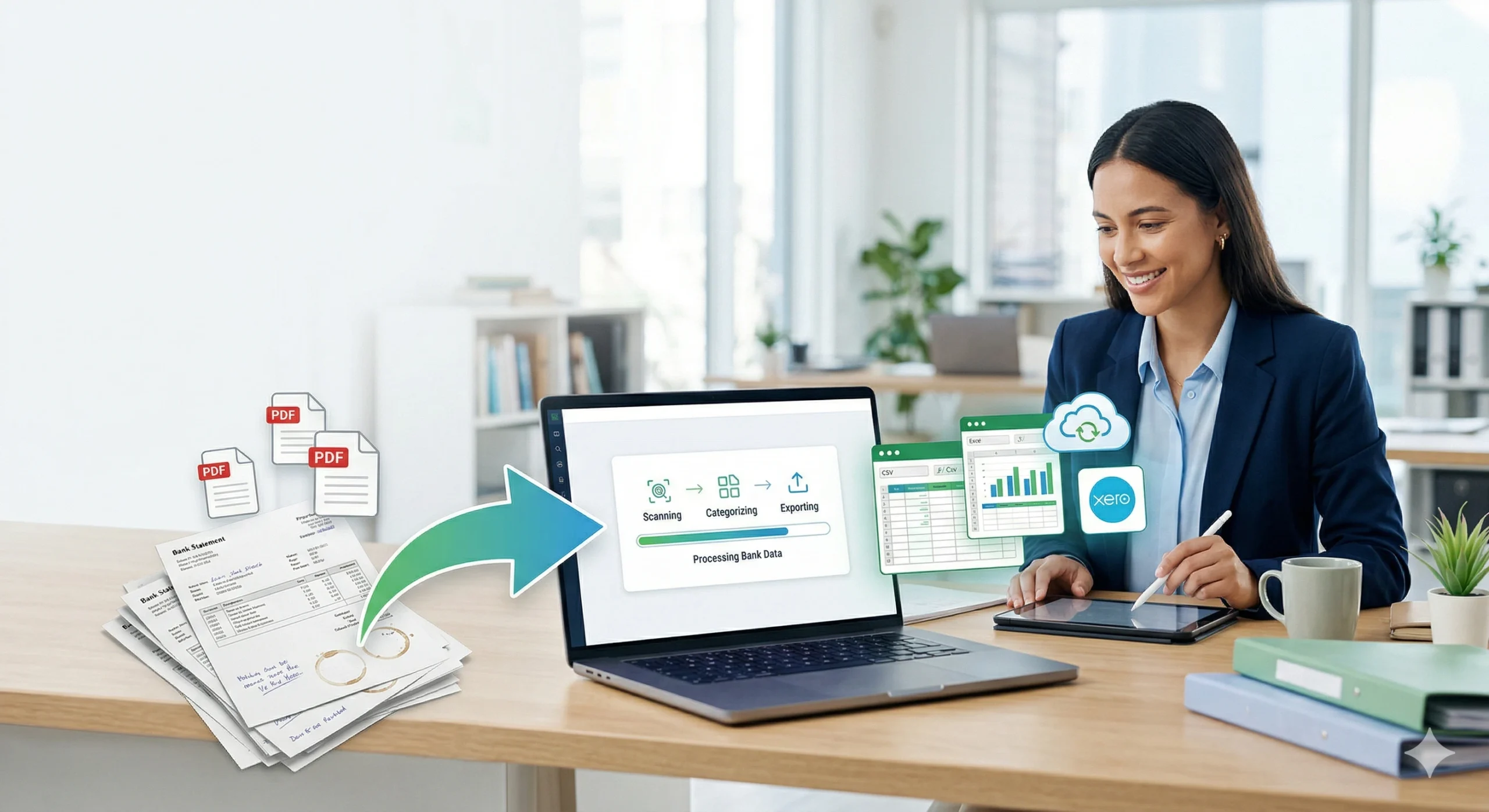
1. Upload Statements
Accountants upload client bank statements in PDF or scanned format.
2. Extract Data
The system extracts transaction details, including:
- Dates
- Descriptions
- Amounts
- Balances
3. Structure Data
Transactions are organized into clean rows and columns.
4. Export to Excel
The final output is ready for reconciliation, reporting, or integration with accounting software.
Benefits for Accounting Workflows
Time Savings
Automation reduces hours of manual work to minutes.
Improved Accuracy
Consistent extraction reduces errors across multiple clients.
Standardized Data
Uniform output simplifies reconciliation and reporting.
Scalability
Accountants can handle more clients without increasing workload.
Choosing the Right PDF to Excel Conversion Tool for Accountants
Look for tools that provide:
- High accuracy
- Multi-bank support
- OCR for scanned statements
- Clean Excel output
- Secure data processing
Smart Bank Statement Converter is built specifically for accountants managing recurring financial data.
Conclusion
For accountants, the challenge isn’t understanding financial data; it’s preparing it.
A reliable bank statement conversion tool removes the most repetitive part of the workflow, allowing professionals to focus on what matters. Automation isn’t replacing accounting. It’s removing the friction around it.
Frequently Asked Questions
How can accountants automate bank statement conversion?
By using automated tools that extract and structure data from PDFs into Excel without manual entry.
What is the best software for bank statement conversion for accountants?
Tools designed for financial workflows, like Smart Bank Statement Converter, provide accurate and consistent results.
How accurate is the automated bank statement conversion tool for accountants?
High-quality tools significantly reduce errors compared to manual entry, especially with complex or multi-page statements.
What are the time-saving benefits of converting bank statements for accountants?
Automation reduces manual hours, speeds up reconciliation, and enables accountants to manage more clients more efficiently.