Bank statements hold critical financial data, but extracting it efficiently is where most workflows break down.
Here’s the part most people don’t say: extracting data from bank statements manually isn’t just slow, it quietly introduces risk.
A finance team downloads monthly statements, copies transactions into Excel, checks totals, and moves on. Everything looks fine until reconciliation. A few transactions are missing. Dates are inconsistent. Now someone spends hours fixing something that should have taken minutes.
The real problem isn’t extraction. It’s extracting data accurately and consistently.
This blog post explains how to properly extract data from bank statements, what causes errors, and how automated tools eliminate manual effort.
What Does It Mean to Extract Data from Bank Statements?
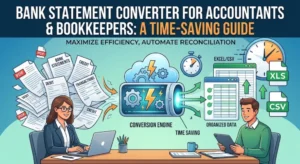
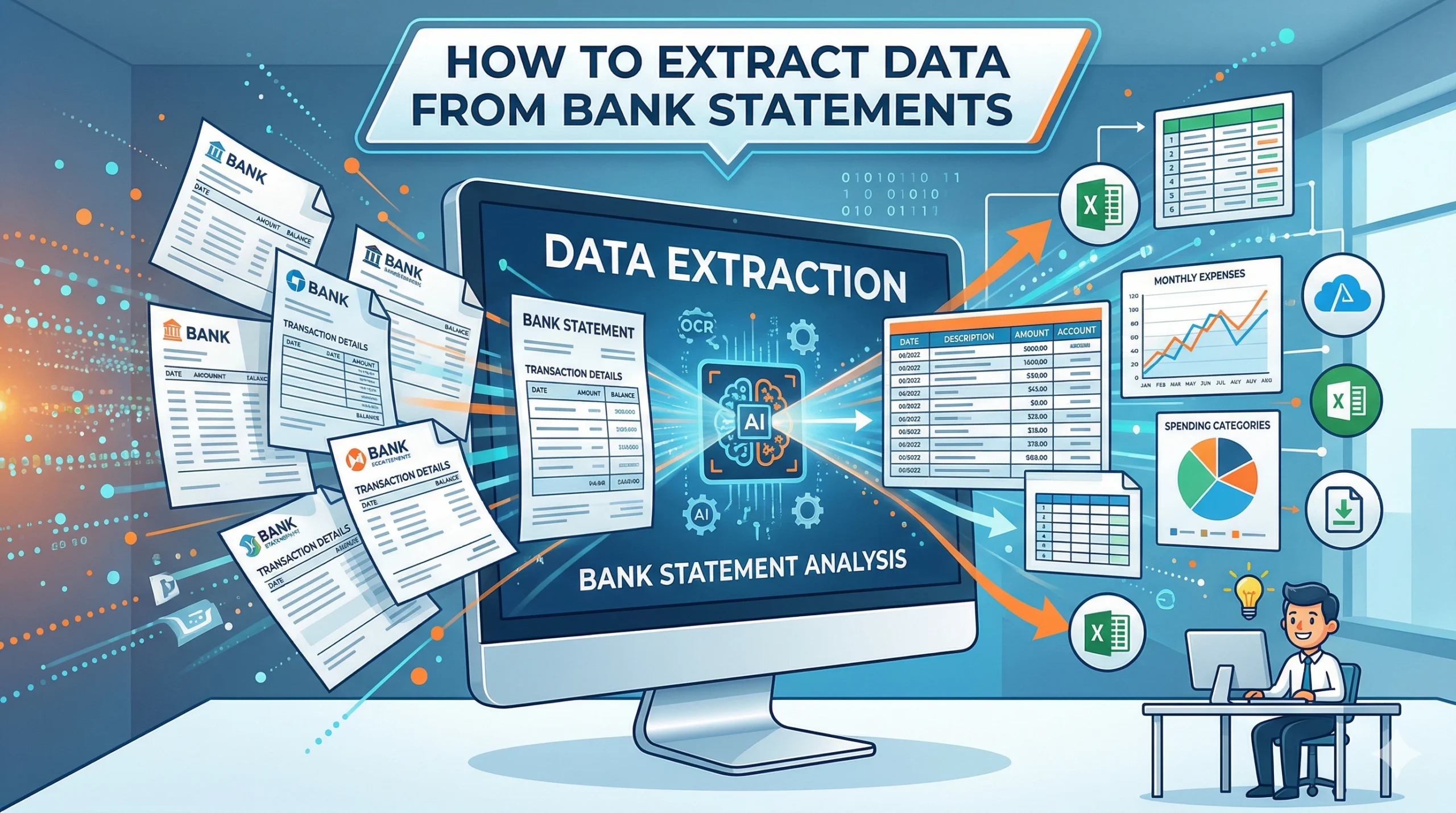
Extracting data from bank statements means converting transaction information from PDFs or scanned files into structured formats such as Excel or CSV.
This includes capturing:
- Transaction dates
- Descriptions
- Debit and credit amounts
- Running balances
The goal is to turn static documents into usable financial data that can be sorted, filtered, and analyzed.
Why Extracting Bank Statement Data Is Difficult
Bank statements are not designed for data processing. They are visual documents meant for reading.
This creates several challenges:
- Tables are not structured like spreadsheets
- Layouts vary across banks
- Multi-page statements break continuity
- Scanned files contain no actual text
Because of this, basic tools struggle to accurately extract bank statement data into Excel.
Common Methods to Extract Bank Statement Data
Manual Data Entry
The most traditional method involves manually copying transactions into Excel.
While simple, this method is:
- Time-consuming
- Error-prone
- Difficult to scale
Even small mistakes can disrupt reconciliation and reporting.
Basic PDF Conversion Tools
Some users rely on generic PDF converters. These tools attempt to detect tables but often fail with:
- Misaligned columns
- Split rows
- Repeated headers
They work only for very clean, simple statements.
Automated Bank Statement Data Extraction Tools
A bank statement data extraction tool is designed specifically for financial documents.
Tools like Smart Bank Statement Converter:
- Recognize transaction structures
- Preserve row and column integrity
- Handle multi-page files
- Export clean Excel data
This approach eliminates manual correction.
Step-by-Step: How to Extract Data from Bank Statements
1. Upload the Bank Statement
Start by uploading a PDF or scanned statement to a secure platform.
Modern tools support:
- Digital PDFs
- Scanned or image-based files
- Multi-page documents
2. Extract Transactions from Bank Statement PDF
The system identifies key fields such as:
- Dates
- Descriptions
- Amounts
- Balances
Advanced tools automatically adjust to different layouts.
3. Automate Bank Statement Data Extraction
Automation ensures:
- No skipped transactions
- Correct column placement
- Consistent formatting
AI-powered systems also validate data structure and sequence.
4. Export to Excel
The final output is delivered as structured Excel or CSV files.
This allows users to:
- Sort and filter transactions
- Run calculations
- Integrate with accounting systems
Extracting Data from Scanned Bank Statements
Scanned statements require OCR (optical character recognition).
Challenges include:
- Low-quality images
- Skewed text
- Missing characters
- Incorrect numbers
To accurately extract transactions from bank statement PDFs, the system must combine OCR with layout analysis.
Smart Bank Statement Converter uses AI-driven OCR specifically designed for financial documents, significantly improving accuracy.
Benefits of Automated Bank Statement Data Extraction
Accuracy
Automation reduces human errors, such as:
- Missing entries
- Incorrect values
- Formatting inconsistencies
Time Efficiency
What takes hours manually can be done in seconds with automation.
Consistency
Every file is processed using the same logic, ensuring uniform output.
Scalability
Automation handles increasing statement volumes without additional effort.
How Businesses Automate Bank Statement Data Extraction at Scale
At scale, manual workflows fail quickly.
Businesses automate bank statement data extraction by:
- Using centralized processing platforms
- Uploading bulk statements
- Standardizing output formats
- Integrating with accounting tools
This ensures consistent, reliable financial data across operations.
Choosing the Right Bank Statement Data Extraction Tool
When selecting a tool, look for:
- Support for multiple banks
- High extraction accuracy
- OCR for scanned files
- Clean Excel outputs
- Secure processing
Smart Bank Statement Converter is built to handle real-world financial workflows without requiring manual adjustments.
Conclusion
Extracting data from bank statements is no longer just a technical task; it’s a workflow decision.
Manual extraction slows teams down and introduces hidden risks. Basic tools create more cleanup work than they solve.
The shift toward automated bank statement data extraction is driven by one need: reliable, structured data that works immediately.
For teams managing recurring financial data, automation isn’t an upgrade. It’s the baseline.
Frequently Asked Questions
How can I quickly extract data from bank statements into Excel?
Use an automated bank statement data extraction tool that converts PDFs into structured Excel files instantly without manual entry.
What is the best tool to extract transactions from bank statement PDFs?
The best tools use AI and OCR to detect layouts and preserve transaction structure. Smart Bank Statement Converter is designed specifically for this purpose.
Can I automatically extract data from scanned bank statements?
Yes. AI-powered tools use OCR to automatically read scanned documents and convert them into structured data.
How accurate is AI-based bank statement data extraction?
Accuracy depends on the tool’s ability to understand financial layouts. Advanced systems significantly reduce errors compared to manual methods.
How do businesses automate bank statement data extraction at scale?
They use centralized platforms that process multiple statements, standardize outputs, and integrate with accounting systems for consistent workflows.