Bank statements are among the most relied-on financial documents in accounting, lending, auditing, and internal reporting.
Reviewed repeatedly, shared across teams, and trusted for high-stakes decisions. Yet the moment they convert from PDF into spreadsheets, problems often begin.
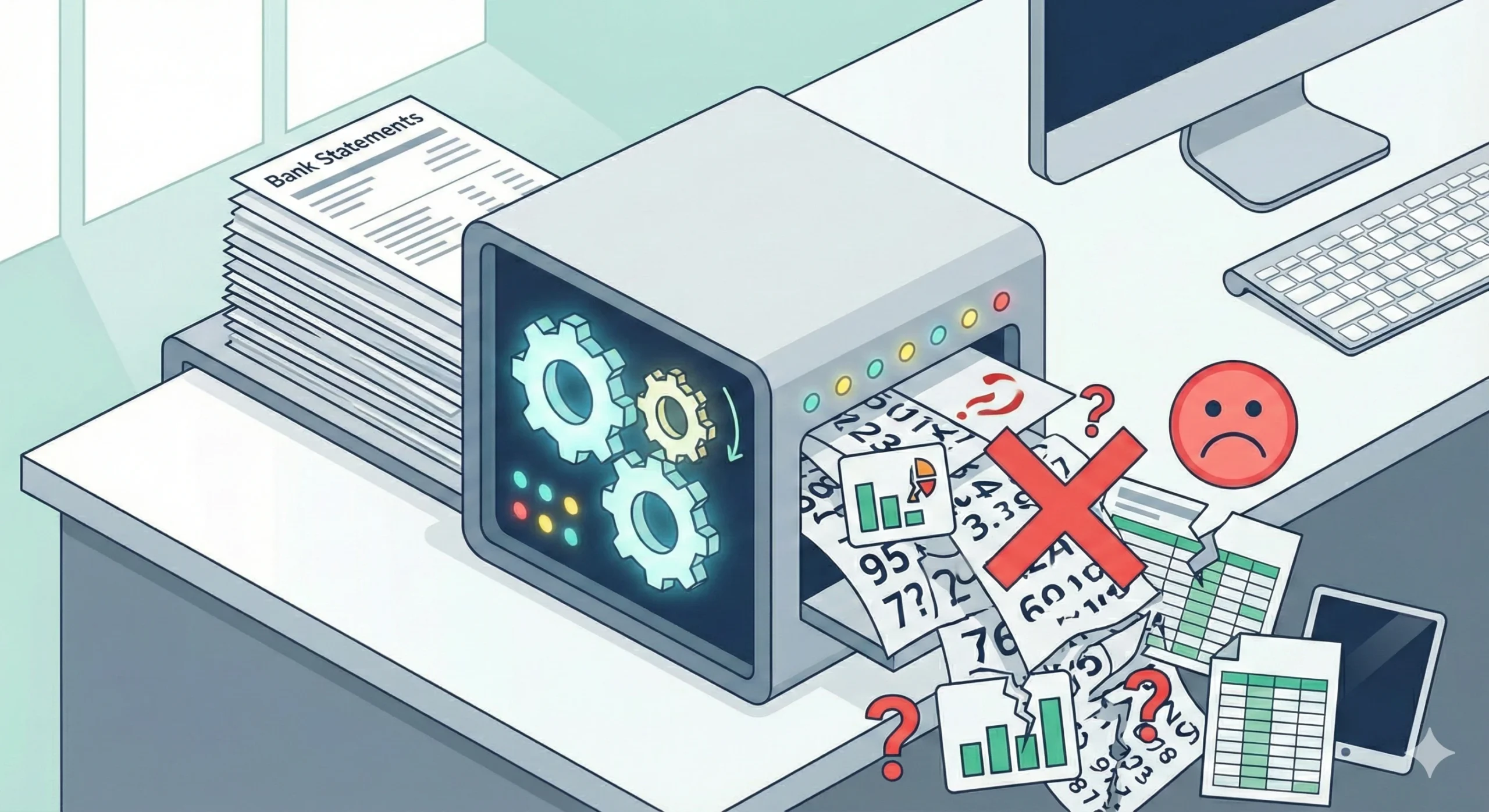
Missing transactions, misaligned columns, and incorrect totals; these issues don’t usually show up right away. They surface later, during reconciliation or reporting, when fixing them is far more costly.
This blog post explains the most common errors in bank statement conversion, why they happen, and how businesses can avoid them by using the right tools and workflows.
What Are Bank Statement Conversion Errors?
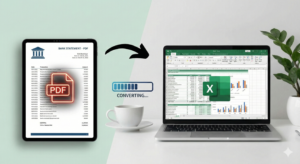
Bank statement conversion errors occur when transaction data is incorrectly extracted or structured during the conversion of PDF bank statements to Excel, CSV, or other digital formats.
These errors can include:
- Missing or duplicated transactions
- Incorrect dates, amounts, or balances
- Broken transaction order
- Misplaced debits and credits
- Formatting issues that prevent analysis
Most bank statement conversion errors don’t come from user mistakes. They happen because PDFs and scanned statements aren’t designed to behave like data.
Why Errors in Bank Statement Conversion Are So Common
Bank statements are visual documents. They’re designed for reading, not for spreadsheets or databases. When PDF files are converted without understanding their layout and structure, errors are almost unavoidable.
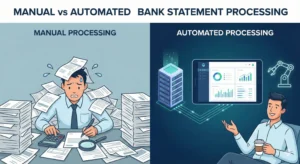
In fact, manual handling makes the problem worse. Studies show that more than half of finance professionals report costly errors, delays, or rework caused by manual data entry and poorly converted statements.
These issues amplify when businesses process:
- Statements from multiple banks
- Multi-page or complex layouts
- Scanned or image-based PDFs
- High transaction volumes
Understanding where errors occur is the first step to preventing them.
Common Bank Statement Conversion Errors Explained
PDF to Excel Bank Statement Issues
One of the most common problems occurs during PDF-to-Excel conversion. Basic tools often rely on visual spacing rather than table logic, which leads to:
- Rows are splitting across pages
- Amounts drifting into the wrong columns
- Headers repeated mid-table
- Totals mixed with transaction data
These PDF-to-Excel bank statement issues may seem minor at first, but they often lead to reconciliation failures later.
Bank Statement Data Extraction Mistakes
Data extraction mistakes happen when key information is skipped or misread during conversion. Common examples include:
- Missing opening or closing balances
- Skipped transactions near page breaks
- Combining multiple transactions into a single row
- Reading footnotes or notes as transaction data
Once the transaction order is disrupted, balances no longer align, requiring a manual correction.
Errors in Automated Bank Statement Processing
Automation doesn’t eliminate errors by default. Errors in automated bank statement processing usually appear when tools rely on rigid templates or limited logic.
Typical issues include:
- Failing when banks change layouts
- Misreading negative values or credits
- Inconsistent handling of currency symbols
- Incorrect classification of transaction types
Scanned Bank Statement Conversion Problems
Scanned bank statement conversion problems introduce additional risk because the files are images, not text. Conversion relies entirely on the quality of Optical Character Recognition.
Common issues include:
- Incorrect numbers or dates
- Missing decimal points
- Garbled descriptions
- Entire rows skipped due to low image quality
AI Bank Statement Conversion Accuracy Issues
AI improves conversion accuracy, but only when applied correctly. AI bank statement conversion accuracy issues arise when models read text but fail to understand the financial context.
Weak AI systems may:
- Confuse balances with transaction amounts
- Mix debits and credits
- Ignore transaction sequencing
- Struggle with uncommon layouts
How Formatting Errors Appear After Conversion
Formatting errors are often discovered after conversion, when teams attempt to work with the data.
Common formatting problems include:
- Dates stored as text instead of date values
- Amounts split across multiple columns
- Inconsistent decimal or currency formats
- Extra header or footer rows inside the data
Fixing these formatting errors manually can take longer than the original conversion, especially across large datasets.
How a Smart Bank Statement Converter Prevents These Errors
A purpose-built bank statement converter is to handle the complexity of statements.
Smart Bank Statement Converter reduces errors by:
- Preserving transaction order across pages
- Supporting digital and scanned PDFs
- Adapting automatically to different bank formats
- Delivering clean Excel and CSV outputs ready for use
Instead of forcing data into templates, the system adapts to the statement itself.
Benefits of Reducing Bank Statement Conversion Errors
Improved Accuracy Across Financial Records
Reducing conversion errors minimizes manual corrections and re-entry. Financial records stay consistent across reports, audits, and systems.
Faster Reconciliation and Reporting
When data is structured correctly, totals align faster, and mismatches are easier to spot. Reconciliation becomes a review task, not a rebuild.
Scalable Financial Workflows
As statement volume grows, accurate automation allows teams to scale without increasing manual effort.
Who Is Most Affected by Bank Statement Conversion Errors?
Errors impact anyone working with recurring bank statements, including:
- Accountants and bookkeeping firms
- Financial analysts
- Loan officers and credit teams
- Businesses managing multiple accounts
- Auditors and compliance professionals
For these teams, conversion accuracy directly affects trust in the data.
Key Features to Look For to Avoid Conversion Errors
When choosing a bank statement converter, look for:
- Support for multiple banks and layouts
- High-accuracy data extraction
- Intelligent OCR for scanned statements
- Secure file handling
- Excel and CSV outputs that require no cleanup
- Fast, consistent processing
These features determine whether conversion saves time or creates more work.
Conclusion
Bank statement conversion errors are not edge cases. They’re predictable outcomes of tools that don’t understand financial documents.
Reducing these errors isn’t about working harder or double-checking spreadsheets. It’s about using systems designed for how bank statements actually behave.
For teams handling growing volumes of financial data, clean and accurate conversion isn’t optional anymore. It’s part of staying efficient, reliable, and competitive.
Frequently Asked Questions
What are the most common errors in bank statement conversion?
The most common errors in bank statement conversion include missing transactions, misaligned rows and columns, incorrect dates or amounts, broken transaction order, and formatting issues that prevent proper analysis. These errors usually occur when PDF layouts aren’t interpreted correctly during conversion.
Why do PDF bank statements lose data during conversion?
PDF bank statements lose data because they are for viewing, not structured data extraction. Many converters rely on visual spacing instead of understanding table structure, which causes transactions to split, values to shift columns, or data to be skipped, especially in multi-page statements.
How do scanned bank statements cause conversion errors?
Scanned bank statements are image-based, not text-based. Conversion relies on Optical character recognition, which can misread numbers, skip rows, or miss decimal points due to poor image quality, shadows, skewed pages, or low resolution. Without advanced OCR and layout recognition, errors are common.
Are automated bank statement conversion tools always accurate?
No. Automated bank statement conversion tools are only accurate if they can adapt to different bank layouts and formats. Template-based or basic automation often fails when layouts change, transaction types vary, or scanned documents are involved.
How are formatting errors fixed after bank statement conversion?
Formatting errors can be fixed manually in Excel by correcting date formats, merging split columns, removing extra rows, and realigning values. However, this process is time-consuming. Preventing formatting errors at the conversion stage is far more efficient than fixing them afterward.
How can businesses reduce errors in bank statement conversion?
Businesses can reduce errors by using a smart bank statement converter that supports multiple banks, handles scanned and digital PDFs, preserves transaction order, and outputs clean Excel or CSV files without manual cleanup.