

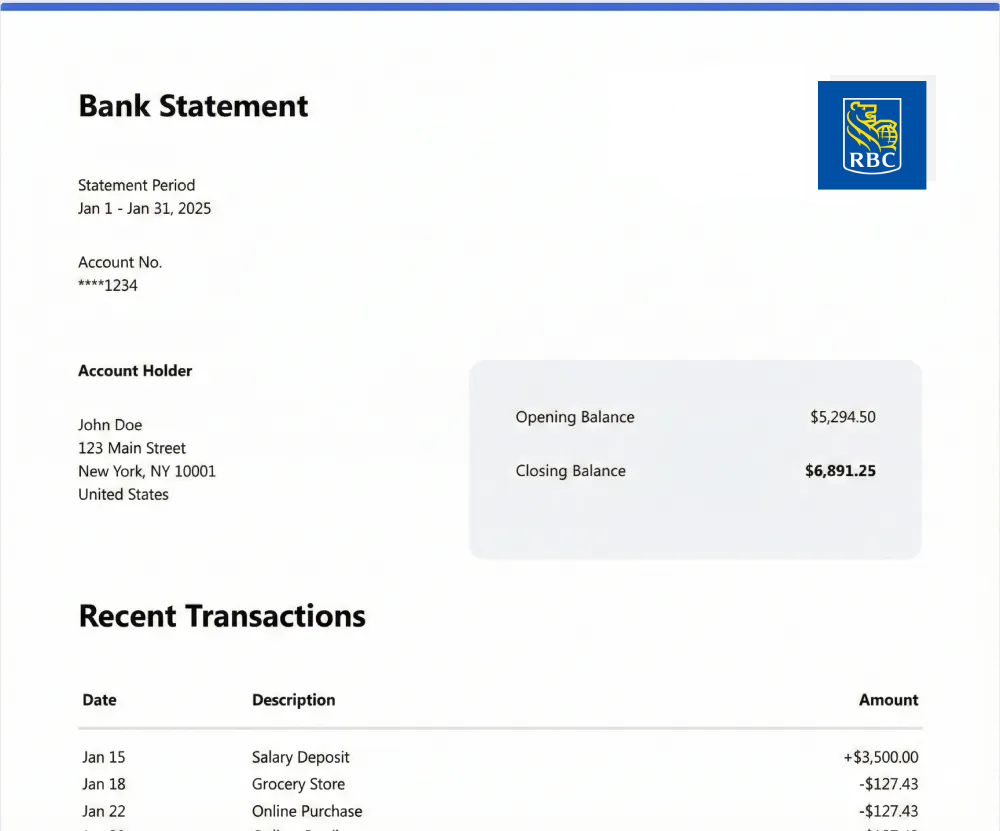
Convert Royal Bank of Canada Statements
Managing Royal Bank of Canada statements should not require copying rows into spreadsheets or correcting formatting inconsistencies. Smart Bank Statement Converter is a dependable RBC Royal Bank statement to Excel converter, transforming PDF files into clean, structured Excel or CSV outputs within seconds.
Instead of manual data entry, the system automatically extracts transaction details, balances, and descriptions, organizing them into properly aligned rows and columns. The result makes it simple to convert RBC bank statement online for reconciliation, reporting, or internal financial review without additional adjustments.
Consistent Formatting Across RBC Statements
RBC statements may include checking accounts, savings accounts, or credit card summaries with multi-page layouts and detailed transaction sections. The converter automatically adapts and standardizes the data into a uniform structure, simplifying analysis and improving clarity.
With this structured output, you can:
- Process RBC PDF statement to Excel for detailed transaction review
- Complete an RBC transaction export to spreadsheet for reporting
- Maintain records in a clean RBC financial statement Excel format
This approach ensures the data remains readable, structured, and ready for professional use.
Secure Processing with Reliable Output
Our system reads every uploaded RBC statement file, applies AI-driven extraction, structures the data as JSON, and securely exports it to Excel or CSV online. Files and extracted data are deleted from our systems after 90 days.
Whether you need to process a single statement occasionally or manage recurring monthly files, the workflow remains straightforward: upload, convert, download.
Frequently Asked Questions
How do I convert RBC bank statements to Excel?
Upload your RBC PDF statement to Smart Bank Statement Converter. The system extracts transaction data and generates a structured Excel (.xlsx) file ready for download.
How to download RBC bank statement in CSV?
After uploading your RBC PDF statement, you can choose CSV as the export format. The converter generates a structured CSV file suitable for accounting or data imports.
Will the tool automatically organize RBC transactions into Excel columns?
Yes. The converter detects transaction tables and separates dates, descriptions, debits, credits, and balances into clearly defined Excel columns.
Can I upload multiple RBC statements for Excel conversion?
Yes. You can upload and convert multiple RBC statements individually while maintaining consistent formatting across all exported files.
Is my RBC statement data kept secure during the conversion process?
Yes. Files are processed through encrypted connections and handled privately. Uploaded statements and extracted data are automatically deleted after 90 days.