
How It Works
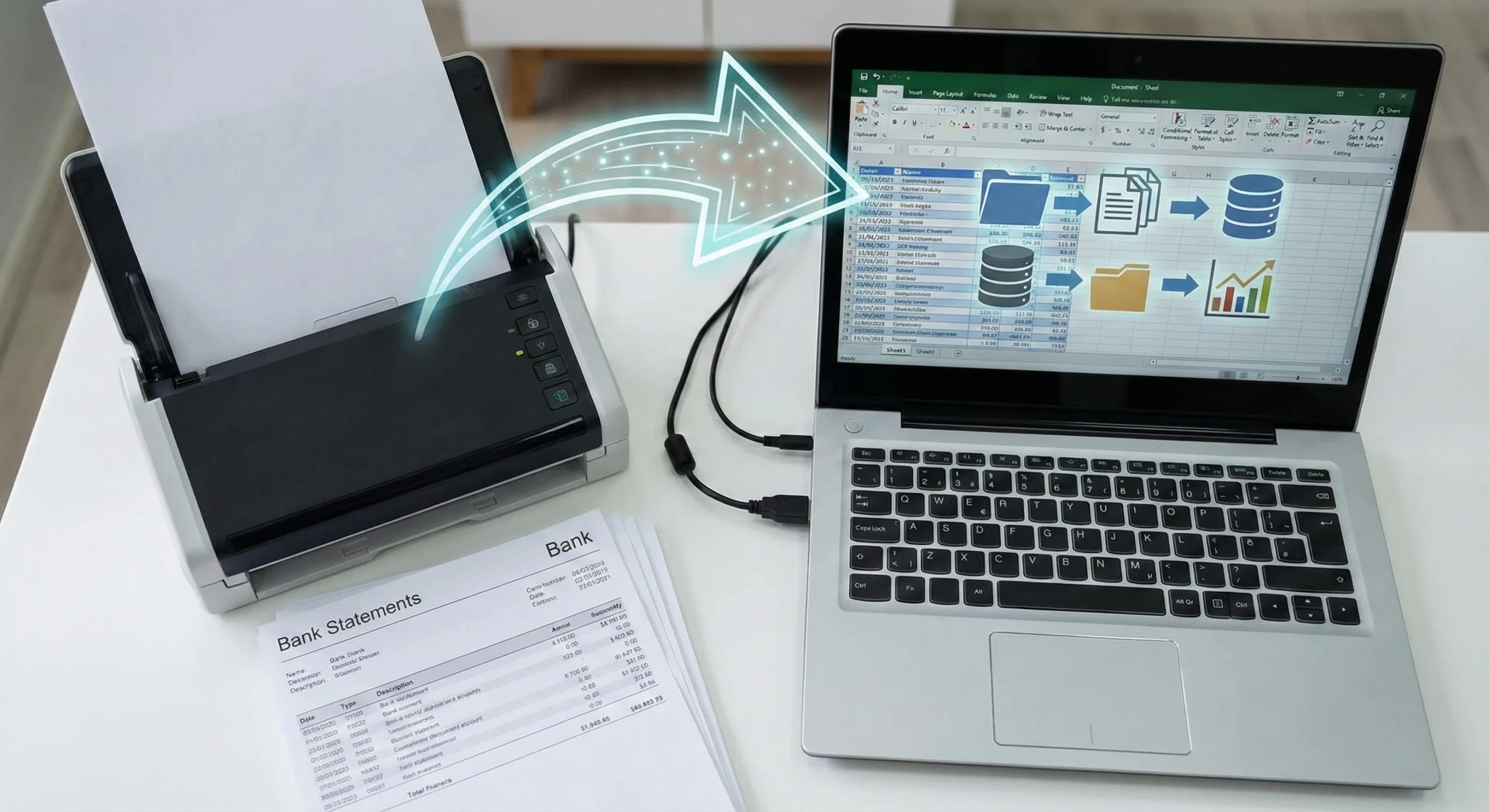
How a Bank Statement Converter Works
Understanding how a bank statement converter works matters when accuracy, security, and time are critical.
Smart Bank Statement Converter simplifies, standardizes, and automates the entire bank statement conversion process, eliminating manual intervention.
Bank Statement Conversion
At its core, it automates a traditionally slow and error-prone task. Instead of manually copying transactions from a PDF, the system uses AI to extract transaction data and export it to Excel or CSV.
The bank statement converter workflow follows a straightforward process:
- Upload the statement
- Extract the data
- Export the results
Each step is optimized for accuracy and ease of use, ensuring that the converted files are ready for immediate use.
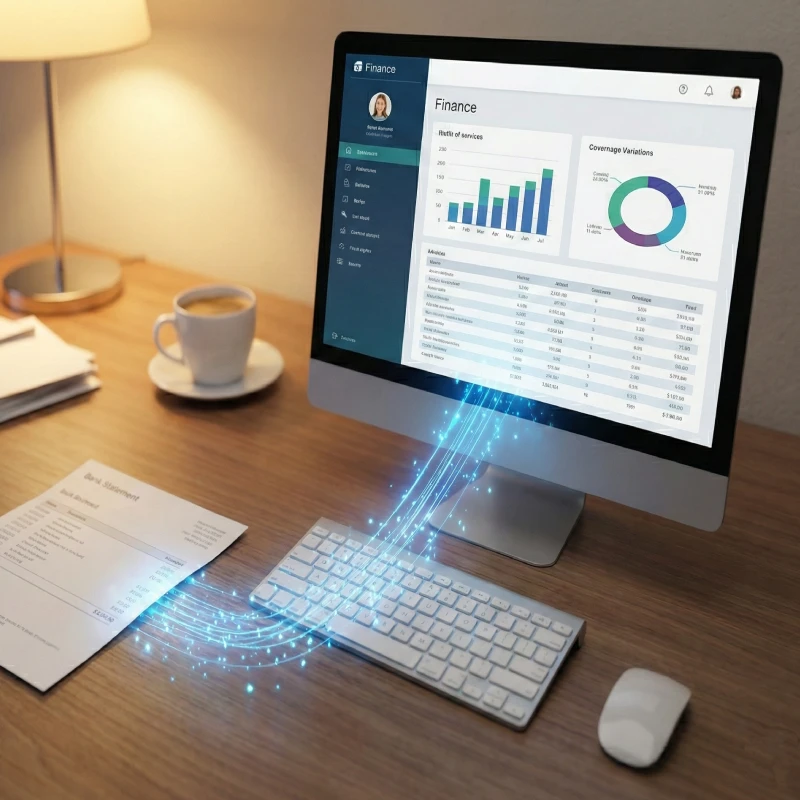

Upload Your Bank Statement PDF
The first step in the bank statement conversion process is uploading your file.
You can upload:
- Digital PDF bank statements
- Scanned or image-based PDF statements
- Single-page or multi-page files
There are no templates to select and no formatting rules to follow. The system automatically analyzes the uploaded file, regardless of layout or bank format.

Intelligent Data Extraction
Once the file is uploaded, the system begins the core of the AI bank statement conversion steps.
It uses AI-powered extraction and Optical Character Recognition (OCR) to:
- Detect transaction tables
- Identify dates, descriptions, debits, credits, and balances
- Handle multi-page statements seamlessly
The system reads the document as a human would, but processes it with machine-level precision. It recognizes how transaction data flows across rows and pages, even when layouts vary between banks.
This automated extraction ensures consistent, accurate bank statement data without manual corrections.

Export to Excel or CSV
After processing, you can download your converted file in the format that best fits your workflow.
- Excel (.xlsx) for analysis and reporting
- CSV for lightweight data handling or system imports
Whether you need Excel for reconciliation or CSV for accounting software, the output remains consistent. This flexibility makes it easier to move data between tools without rework.
This final stage completes the process of converting a PDF statement: upload, extract, and export.

Designed for Multi-Bank
Bank statements vary widely across institutions. The converter adapts automatically to different layouts, formats, and transaction styles.
With support for over 1000 banks worldwide, the system handles:
- Digital PDF bank statements
- Scanned or image-based PDF statements
- Single-page or multi-page files
This adaptability ensures the bank statement converter workflow works reliably across banks without configuration.

Speed With Accuracy
Time matters in financial workflows. Most conversions are done within seconds, even for multi-page statements.
The system is optimized to balance speed with precision, allowing professionals to move quickly through reconciliation, reporting, and review tasks without sacrificing data quality.

Reduces Manual Work
Every step of the process eliminates repetitive tasks.
By automating data extraction, Smart Bank Statement Converter reduces:
- Manual data entry
- Formatting errors
- Reconciliation delays
The result is a smoother workflow with fewer errors and less time spent fixing spreadsheets.
Frequently Asked Questions
How does a bank statement converter actually work?
A bank statement converter works by analyzing a PDF file, extracting transaction data using AI and OCR, and exporting the data to Excel or CSV. Smart Bank Statement Converter automates this entire process.
What makes the conversion accurate across different banks?
The system uses AI-powered extraction to understand varying layouts and formats. This allows it to maintain accuracy even when statements come from different banks.
Can scanned bank statements be converted the same way as digital PDFs?
Yes. Intelligent OCR enables the system to read scanned or image-based statements and extract transaction data reliably, just like digital PDFs.
How long does the bank statement conversion process take?
Most statements convert within seconds. Processing time depends on file length and complexity, but multi-page statements are processed automatically.
Convert Bank Statements With Confidence
Smart Bank Statement Converter makes it clear how bank statement conversion works: simple steps, accurate results, and usable outputs.
Convert PDF bank statements to Excel or CSV in seconds.